M4A to MP3 Converter
Turn an M4A, a voice memo or an AAC file into an MP3, right in your browser. Free for files up to 15 minutes, no upload.
Convert M4A to MP3No signup, no watermark. Longer files: MP3 with Pro, WAV free.
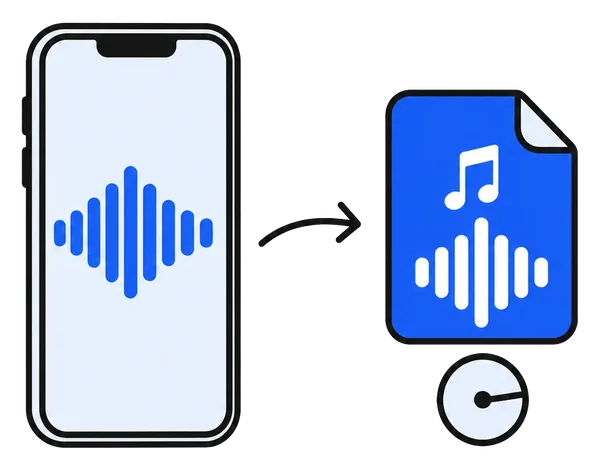
How to convert M4A to MP3 in 3 steps
Nothing to install, nothing to upload.
Open the M4A
A recording, a voice memo or a song from your computer or phone. It stays on your device.
Pick the quality
192 kbps for speech and everyday listening, 320 kbps for music you care about.
Download the MP3
Free for files up to 15 minutes. The MP3 is encoded in your browser and saved to your device.
A converter that keeps your recordings private
Most online converters upload your file first. This one does not.
Nothing is uploaded
Voice memos and recordings stay on your device. The MP3 is encoded in your browser.
192 or 320 kbps
Clear MP3s for speech and music, the bitrate is your choice.
Made for iPhone voice memos
Voice memos are M4A. Open one from Files on your phone or drag it in on your computer.
Free up to 15 minutes
Songs, clips and voice messages convert free. Longer recordings with Pro, from €4.99 for 7 days.
WAV free at any length
Need a lossless copy instead? The WAV download is free for files of any length.
Cut and split in the same app
Trim the start, split a long recording into parts or shorten the pauses, without another tool.
What people convert
When something asks for MP3 and you have M4A.
Voice memos
An iPhone recording as an MP3 for a device or an app that wants MP3.
Songs and demos
A track from GarageBand or an iTunes purchase without DRM, as MP3.
Voice messages
A saved voice message as a small MP3 you can forward anywhere.
Online course audio
Lesson files for an old MP3 player or a car stereo.
The car stereo
Many car stereos and USB players read MP3 but not M4A.
Upload forms
Websites and apps that only take MP3: convert, then upload there.
Frequently asked questions
Is the M4A to MP3 converter free?
Yes, for files up to 15 minutes: open the M4A, download the MP3, no signup and no watermark. Longer files convert to MP3 with ChunkAudio Pro, from €4.99 for a 7-day pass; converting them to WAV stays free at any length.
Why is there a 15-minute line?
Short files, which are most songs, clips and voice messages, convert for free. Long recordings such as meetings, lectures and interviews are what ChunkAudio Pro is for, and Pro pays for the free tools. The line is the same for every format and is shown before you convert.
Is my file uploaded?
No. The M4A is read on your own device and the MP3 is encoded in your browser. Nothing is sent to a server, which matters for voice memos and private recordings.
Does it work with iPhone voice memos?
Yes. Voice memos are M4A files. Share or save the memo to Files, open it here, and download the MP3. On a computer, drag the memo from the Voice Memos app or from Finder.
Which files can I convert?
M4A, M4B, AAC and MP4 audio, plus WAV, FLAC and OGG. The MP3 is encoded at 192 kbps by default, or 320 kbps if you choose it under the result.
Will the quality drop?
M4A and MP3 are both compressed formats, so converting re-encodes the sound once. At 192 kbps that is inaudible for speech and almost all music; choose 320 kbps for music you care about. Keep the M4A if nothing asks for MP3: it is the original.
Can I convert many files at once?
Several files at once is part of ChunkAudio Pro. One file at a time is free up to 15 minutes each.
Can I cut or split the recording too?
Yes. The same app cuts a section, splits a long recording into equal parts and shortens long pauses. Those results download free as WAV; as MP3 they are part of Pro.
Convert your M4A now
Open the file, download the MP3. Your recording never leaves your browser.
Convert M4A to MP3